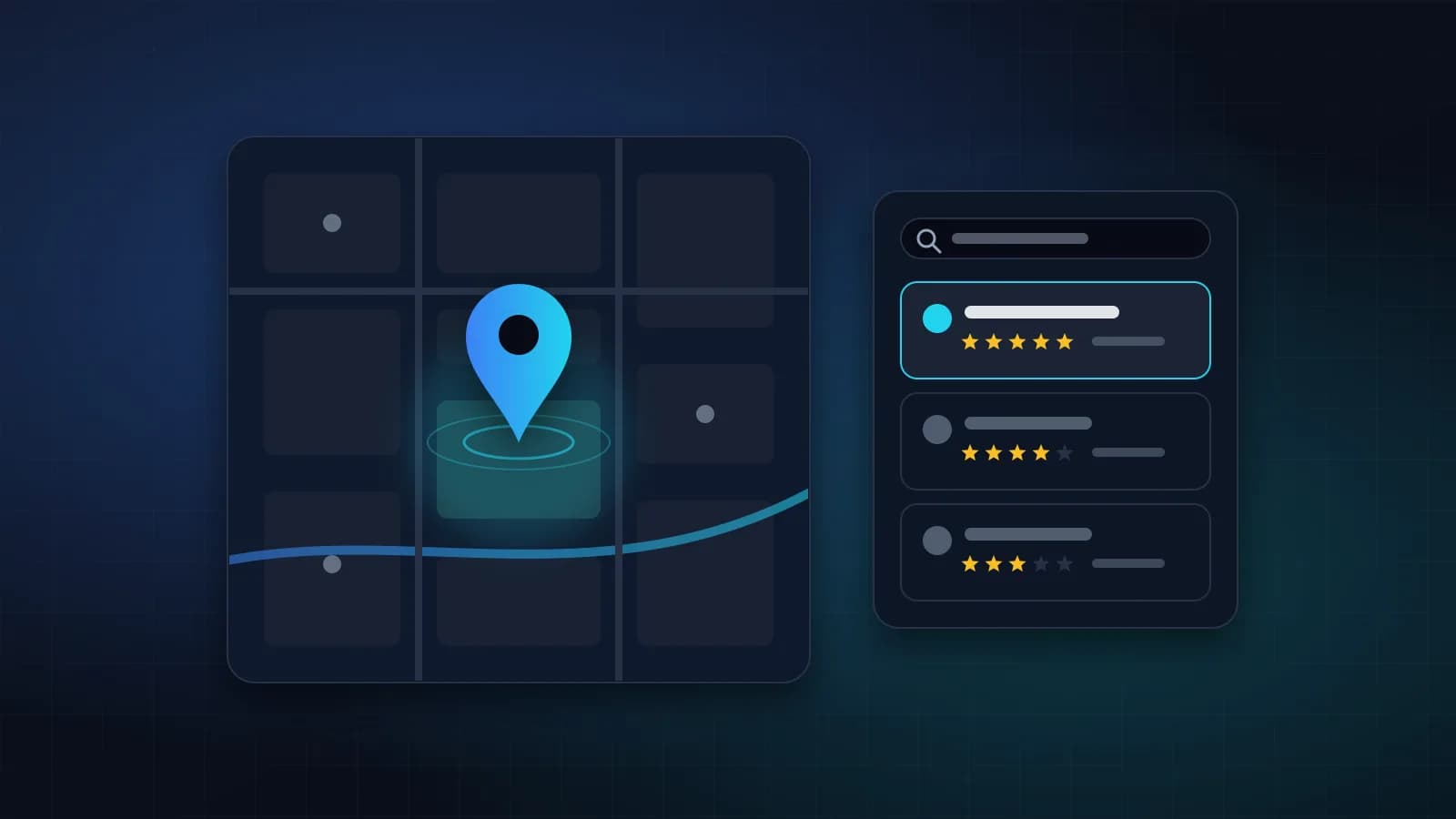
Search for “dentist near me”, “interior designer in Jaipur” or “AC repair Malviya Nagar” and Google shows a map with three businesses at the top, before any normal results. That box is called the local pack, and for many local businesses it brings more calls than everything else on the internet combined.
The good news: you do not need a big budget to appear there. You need a complete Google Business Profile, a steady flow of genuine reviews, and a website that clearly tells Google where you are and what you do.
How Google chooses local results
Google explains that local results are based mainly on three things:
- Relevance — how well your business matches what was searched
- Distance — how far your business is from the person searching, or the area they typed
- Prominence — how well known and trusted your business is, including reviews and links
You cannot move your shop closer to every customer, but you can improve relevance and prominence a lot.
Step 1: Claim and verify your Google Business Profile
Go to Google Business Profile and search for your business. If it already exists, claim it; if not, create it. Google will ask you to verify that you own the business — the exact method depends on your business type.
Use your real business name exactly as it appears on your signboard. Adding keywords to the name (“Sharma Dental Clinic Best Dentist Jaipur”) breaks Google’s rules and can get the profile suspended.
Step 2: Complete every section
A complete profile is more likely to be shown and more likely to be clicked. Fill in:
- Primary category — the single best description of your business. This is the most important choice on the profile.
- Additional categories for other services you genuinely offer
- Address, or a service area if you visit customers instead
- Phone number and website
- Opening hours, including special hours for festivals and holidays
- Services or products, with short descriptions
- Business description — what you do, for whom and where
- Photos — storefront, interior, team and real work. Fresh photos help.
Step 3: Keep your name, address and phone consistent
Your business name, address and phone number (often called NAP) should be written the same way everywhere: on your website, Google Business Profile, Facebook, Instagram, JustDial, IndiaMART and other directories.
If one listing says “Shop 12, Vaishali Nagar” and another says “Vaishali Ngr, near the park”, Google is less sure they are the same business. Pick one format and use it everywhere.
Step 4: Earn genuine reviews — and reply to them
Reviews influence both your ranking and whether people choose you. Make asking for reviews part of your routine:
- Ask happy customers right after a good experience
- Send them your direct review link (you can find it in your Business Profile) on WhatsApp
- Reply to every review, positive or negative, politely and quickly
Never buy reviews, write fake ones or offer rewards for positive reviews. It is against Google’s policies, and Google removes them — sometimes along with your other reviews.
Step 5: Make your website support your profile
Your website and Business Profile work together. Make sure your website:
- Shows your full address, phone and a map on the contact page and in the footer
- Has a separate page for each service, mentioning the areas you serve naturally
- Uses page titles that include your service and city — for example “Website Development in Jaipur”
- Includes LocalBusiness structured data, so Google can read your address, hours and contact details directly
- Loads quickly and works well on mobile
If you serve several areas or cities, a dedicated page for each one — with genuinely useful, specific content, not copied text with the city name swapped — can help you appear in those searches.
Step 6: Post updates and answer questions
Google Business Profile lets you publish posts — offers, events, new work, festival greetings. Regular posts show customers (and Google) that the business is active. Also check the Questions and answers section and reply to anything customers ask.
Step 7: Get mentioned locally
Prominence grows when other websites mention you. Good local sources include:
- Local business directories and your trade association
- Local news sites and blogs
- Suppliers and partners who can link to you
- Events or community work you sponsor
A few relevant local links are worth far more than many random ones.
Step 8: Track what is working
Your Business Profile shows how many people found you, called you, asked for directions or visited your website. Combine it with Google Search Console for your website to see which searches bring visitors. Check both once a month and adjust.
A quick local SEO checklist
- Google Business Profile claimed and verified
- Correct primary category and all sections complete
- At least 10 real photos, refreshed regularly
- Same name, address and phone on every listing
- Review link shared with every happy customer
- Every review answered
- One website page per service, with city and area mentioned naturally
- LocalBusiness structured data on the website
- Monthly check of Business Profile and Search Console reports
Need help?
JKA IT Solutions is based in Jaipur and helps local businesses get found online, from Business Profile setup to website SEO. See our SEO service and social media optimisation, or contact us for a free local SEO check of your business.